How to Update Your Firmware
Keeping your PwrTool 500’s software up-to-date ensures you get the best performance, security, and long-term value out of your device. We’ve designed two straightforward pipelines for updates, depending on whether you’ve adopted it in the ESPHome Builder or not.
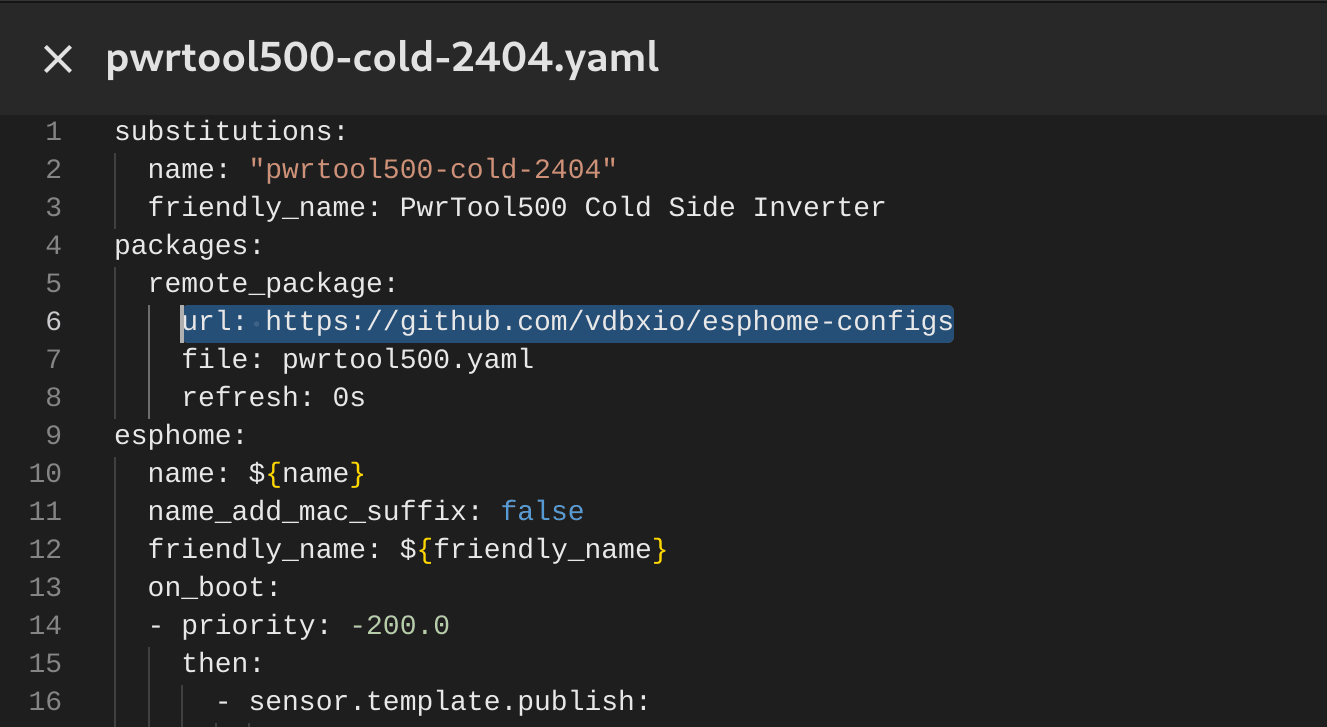
Update with ESPHome Builder
Section titled “Update with ESPHome Builder”This is the most common way to update ESPHome-based devices like PwrTool 500. It’s essential if you plan to expand your configuration with sensors or custom features, and it ensures you always have the latest firmware directly from the ESPHome project. By adopting PwrTool 500 in the ESPHome Builder, you’ll be notified of major updates every month or so, along with additional bug-fix releases. While this means your firmware is re-compiled in the background before every wireless update, the advantage is clear: if you’re linked to our Github configurations, every improvement we make gets automatically included.
Have Us Manage Your Firmware
Section titled “Have Us Manage Your Firmware”As of ESPHome 2024.06.0, device makers can deliver their own compiled binaries directly in Home Assistant. If you want to keep things simple and use PwrTool 500 as-is, you’ll receive streamlined updates that focus on real-world functionality, security, and compatibility. We don’t chase every minor release, but we do make sure you get the meaningful upgrades.
Run Into a Problem and Can’t Update Wirelessly?
Section titled “Run Into a Problem and Can’t Update Wirelessly?”You’ll always have direct control over your hardware. If something goes wrong, you can quickly re-flash the device over USB-C straight from our website using Chrome or other Chromium-based browsers. This provides the same compiled binary as a factory reset and ensures you’re never stuck.
Alternate Firmware
Section titled “Alternate Firmware”Beyond our own devices, we’re maintaining a library of ESPHome configuration files designed to integrate with other hardware. Our goal is to give you a toolbox of options, so you can experiment, expand, and adapt. When we see popular community configurations, we’ll release ready-to-flash binaries, making it easier than ever to explore what PwrTool 500 can do.
Ready to Experience It Yourself?
Section titled “Ready to Experience It Yourself?”PwrTool 500 isn’t just another monitor. It is a platform that grows with your needs, whether you want a dependable plug-and-play solution or a playground for custom expansion. If you haven’t picked one up yet, now is the perfect time to bring this level of insight and flexibility into your projects.