Data Considerations: Keeping Track of Your Energy System
Keeping track of your energy system can be as simple or as advanced as you want it to be. PwrTool 500 works right out of the box to give you clear, reliable insight into your battery. And when you’re ready, it can scale into a powerful tool for detailed monitoring, optimization, and experimentation.
If your goal is simply to keep an eye on your battery and how much energy you have left, the out-of-the-box dashboard may be all you need. It provides the essential details clearly and reliably. But with a few extra considerations, you can unlock much deeper insight into your system’s behavior.
As a battery monitor, PwrTool 500 measures current and power flowing in and out of your battery. For example, imagine you have 300 watts of solar and your base loads (appliances, fans, lights, computers, etc.) total about 50 watts.
- At night, you’ll see this 50-watt load directly.
- During the day, PwrTool 500 will show the difference between solar input and your base load.
This approach works well for estimating State of Charge through integral calculations. However, it may not provide the level of detail you want if you’d like to track inputs and outputs separately. If you already have data from another device, such as a solar charge controller, you can create a calculated “loads” entity in Home Assistant using a helper.
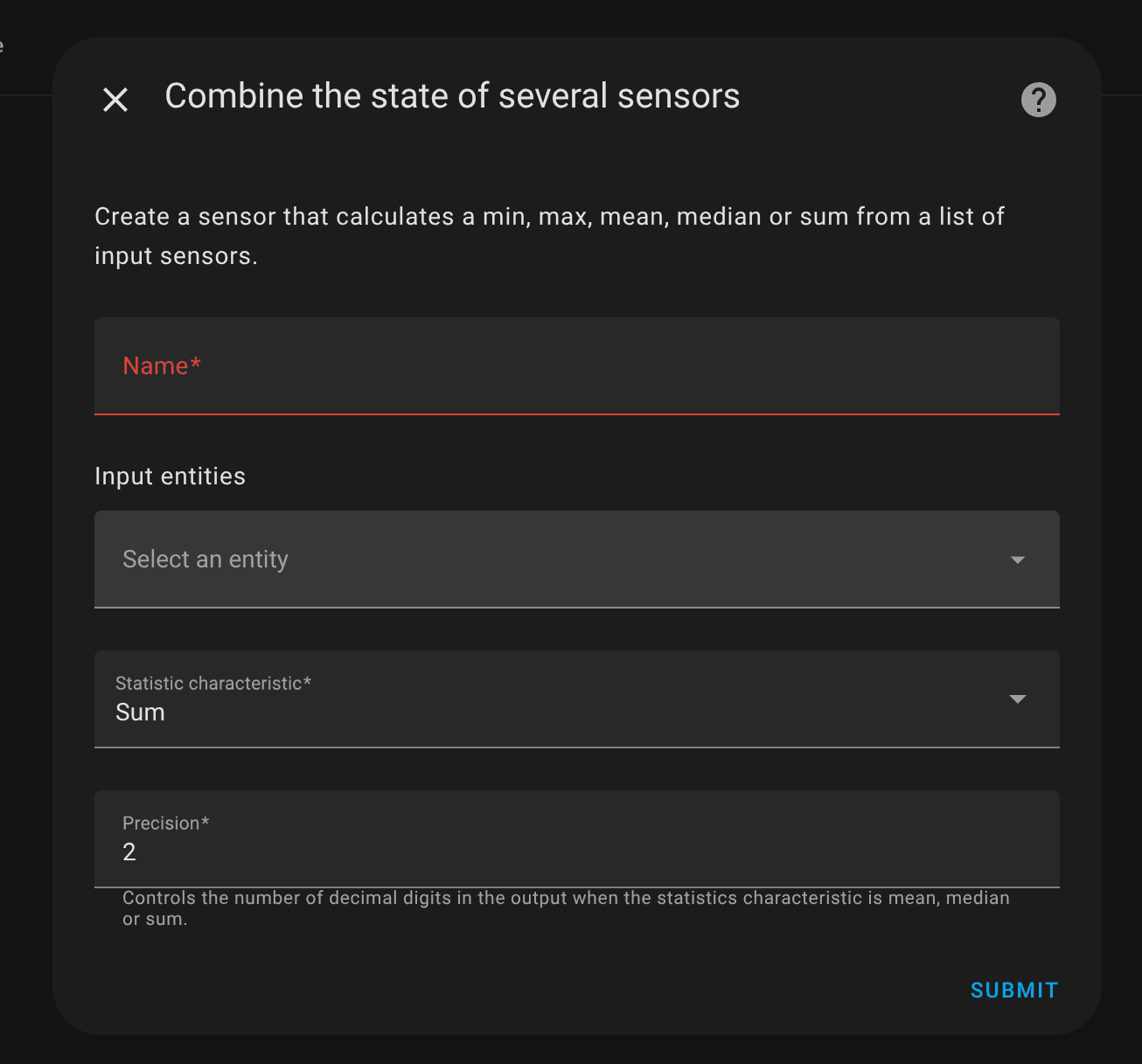
Of course, not every piece of hardware makes its data easily accessible. In some cases you can connect via UART to an ESP32 (or even PwrTool 500 itself), but in others it may be impossible. A second PwrTool 500 can help capture more detailed data by monitoring loads and chargers separately. This becomes even more valuable when integrated over time as energy and charge.
Home Assistant Energy Dashboard
Section titled “Home Assistant Energy Dashboard”The battery configuration of the Home Assistant Energy Dashboard requires separate, positively counting energy meters for input and output. With a single PwrTool 500, this works by funneling positive and negative power values into separate integral calculations. Just keep the above examples in mind if you want more finely-grained data.
Expand Your Insight with PwrTool 500
Section titled “Expand Your Insight with PwrTool 500”PwrTool 500 makes it easy to start simple and grow into advanced monitoring. One unit gives you a solid overview, while adding a second separates loads and charging for a much deeper picture of your system. If you’re serious about understanding and optimizing your energy use, please help us reach our crowdfunding goal and claim your PwrTool 500 today.